Cyber Security Awareness: Protect Your Business Before Trouble Starts
Your business depends on its data. How well are you protecting it?
Cyber attacks do not only target large corporations. Small businesses, schools and organisations can also be vulnerable, often because everyday security practices are overlooked. A careless click, a weak password or an unprotected computer can create an opportunity for criminals to access valuable information.
The good news is that many common risks can be reduced through simple habits, sensible precautions and the right ICT support.
1. Think Before You Click
Phishing emails and fraudulent messages are designed to trick you into revealing information, opening malicious attachments or visiting dangerous websites. They may appear to come from a bank, supplier, colleague or even someone in your own organisation.
Be cautious when a message:
- Creates urgency or threatens that an account will be closed.
- Asks you to confirm passwords, payment details or other confidential information.
- Contains unexpected attachments or links.
- Requests an unusual payment or a change to a supplier’s banking details.
The rule is simple: If something feels unusual, stop and verify it through a separate, trusted communication channel before taking action.
2. Make Passwords Hard to Guess
Passwords are often the first line of defence protecting business systems and sensitive information. Weak passwords, reused passwords and passwords shared between colleagues make it easier for criminals to gain access.
Improve your password security by:
- NEVER reuse passwords across sites
- NEVER write down a password. Use a reputable password manager to generate and store passwords securely.
- Using long, unique passwords or passphrases for different accounts. Recommended a 15 letter passphrase (Effectively a sentence you can remember)
- Enabling multi-factor authentication (MFA) wherever possible. Multi-factor authentication adds another layer of protection, making it harder for someone to access an account even if they obtain the password.
- Never sharing passwords through email or messaging applications. (Whatsapp does encrypt traffic so if you HAVE TO, use whatsapp)
3. Keep Computers and Software Updated
Software updates most often are there to fix security weaknesses that criminals may exploit. Make sure your computers, operating systems, applications, routers and firewalls receive appropriate updates. Replace systems that are no longer supported (especially EOL software and hardware), and ensure that security software is active and correctly configured.
Ignoring updates can leave known vulnerabilities open to attack.
4. Back Up What Matters
Imagine arriving at work to discover that your files have disappeared, your server will not start or ransomware has encrypted your business data. How quickly could you recover?
Reliable backups can make the difference between a manageable disruption and a serious business crisis.
- Back up important business files and systems regularly.
- Keep a protected backup copy separate from your main network. Use the 3-2-1 rule
- Restrict access to backup systems so that an attacker cannot easily compromise both the original data and its backups.
- Test your backups and recovery process. A backup is only useful if you can restore it.
Do not assume that because backups are running, your data can definitely be recovered.
5. Train Your Team
Even the best technical security measures can be undermined by human error. Staff need to recognise suspicious messages, handle confidential information responsibly and understand what to do when something goes wrong.
Cyber security awareness should be an ongoing process, not a once-off lecture.
Encourage employees to report suspicious activity promptly and make it clear that reporting a mistake early is far better than hiding it and they should not face punitive consequences for being honest. Everyone who uses your organisation’s technology has a role to play in protecting it.
6. Do Not Overlook Your Network
Computers are only one part of your ICT environment. Routers, switches, Wi-Fi networks, servers, firewalls, printers and connected security devices can also introduce risks if they are poorly configured, outdated or left unmanaged. Professional network management helps identify weaknesses, maintain equipment, monitor important systems and keep your infrastructure operating reliably. This includes a reputable hardware firewall like a Unifi UDM/UCG.
Security is not a product you install and then forget. It requires ongoing attention.
How Kilwick IT Can Help
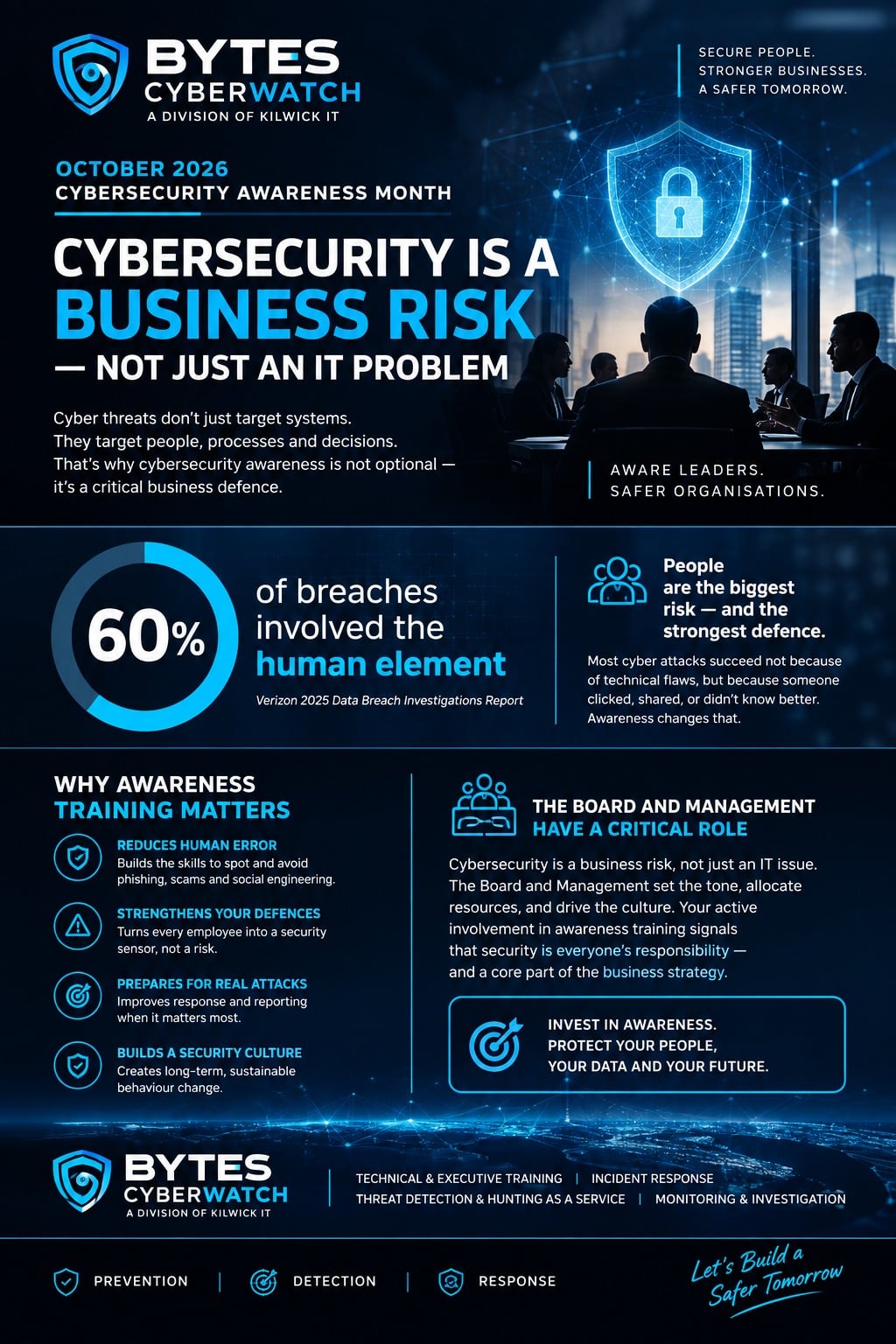
Good cyber security combines informed users, properly maintained technology and reliable support. Kilwick IT helps businesses protect and manage their I.C.T environments through computer and network support, firewall monitoring, infrastructure maintenance, Cyberwatch© training and security solutions including CyberWatch© risk analysis and practical advice.
You do not have to wait for a security incident to start improving your protection. Taking action now can help reduce risk, limit disruption and protect the information your business depends on.
Is your business doing enough to stay secure?