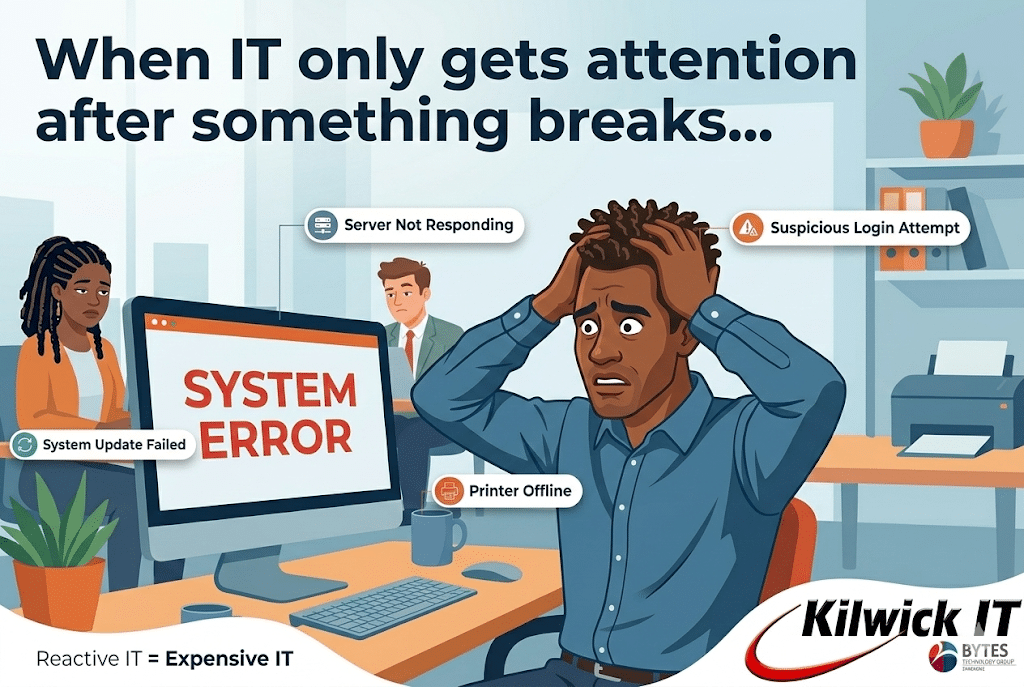
Why Reactive IT Costs More Than You Think
Many businesses treat IT support like plumbing: when something breaks, call someone to fix it. At first glance this approach seems economical. You only pay when there is a problem.
But the reality is very different.
A reactive approach to IT often creates hidden costs that quietly drain productivity, increase risk, and slow business growth. Companies that move toward proactive or managed IT support usually discover that prevention is far cheaper than constant repair.
What IT Support Actually Includes
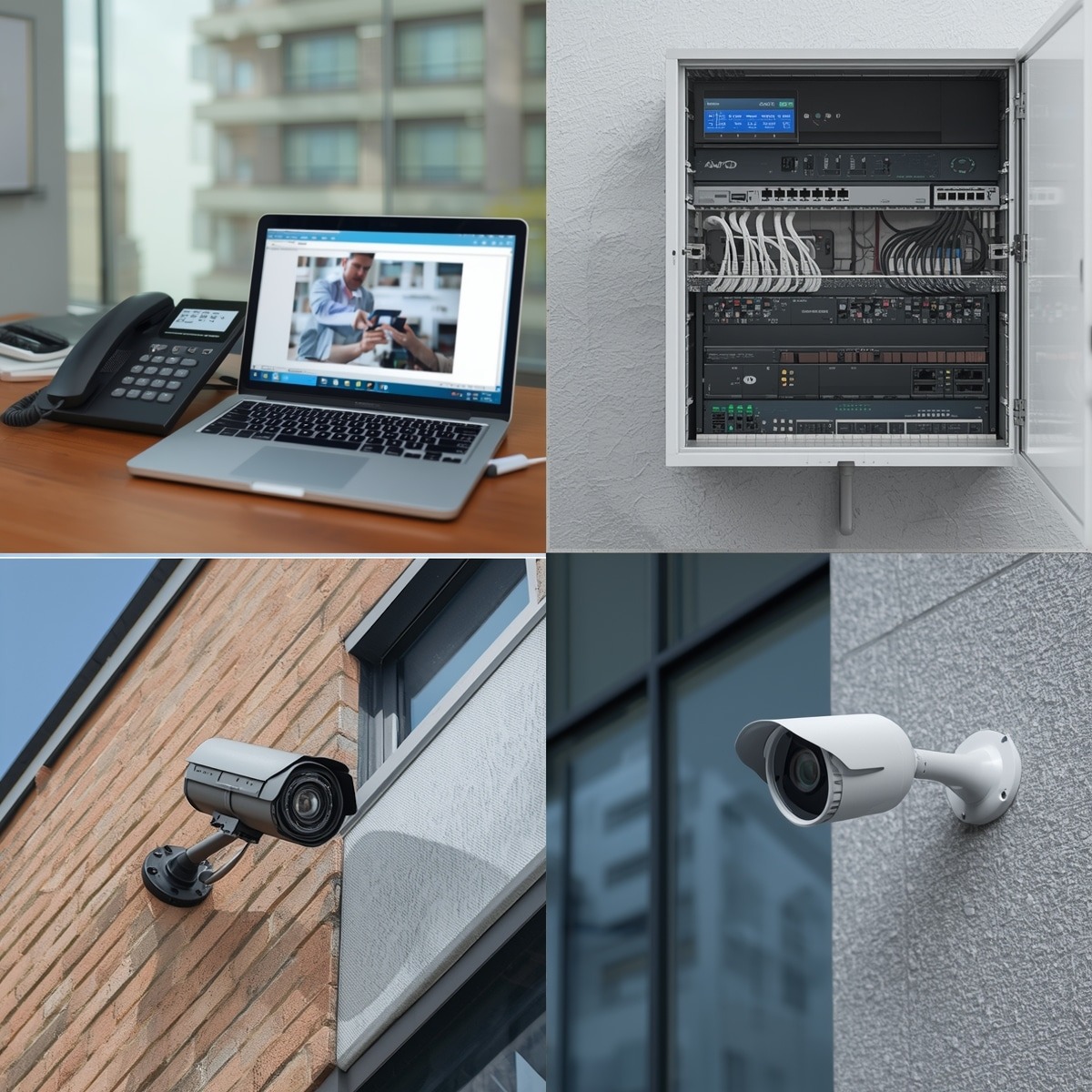
Modern IT support goes far beyond fixing broken computers. A professional IT support team typically handles tasks such as:
• Troubleshooting hardware and software issues
• Installing updates and system upgrades
• Managing user accounts and access permissions
• Monitoring systems for security threats, connectivity and employee activity
• Maintaining backups and recovering lost data
• Supporting third-party applications and services
By outsourcing IT support, businesses gain access to a whole team of specialists rather than relying on a single in-house technician.
This gives smaller companies access to expertise across many technical fields without hiring multiple employees.
The Problem with “Break-Fix” IT
Reactive IT (sometimes called “break-fix” support) only addresses problems after they occur. This model often hides its real cost because the damage spreads across many parts of the business.
1. Lost productivity. Employees rarely stop working when technology slows down. Instead, they adapt. They restart applications, retry logins, or wait for slow systems to respond. The result is reduced productivity across the entire team. Because payroll is usually the largest operating expense in most businesses, even small inefficiencies can translate into significant financial losses.
2. Leadership distraction. Without structured IT management, technology problems often escalate to management. Leaders end up dealing with vendor disputes, security alerts, or urgent hardware decisions instead of focusing on strategic growth. Over time this “leadership time tax” slows decision making and business progress.
3. Operational shortcuts. When IT issues are handled only as they arise, temporary workarounds become permanent habits. Examples include shared passwords, outdated hardware, and incomplete security configurations. These shortcuts gradually build technical debt, increasing complexity and making future problems harder and more expensive to solve.
4. Unpredictable downtime. In a reactive environment, problems are only addressed after systems fail. That means downtime is inevitable. Every minute of downtime means lost productivity, delayed customer service, and potential revenue loss.
Even small interruptions can disrupt workflows across an entire organisation.
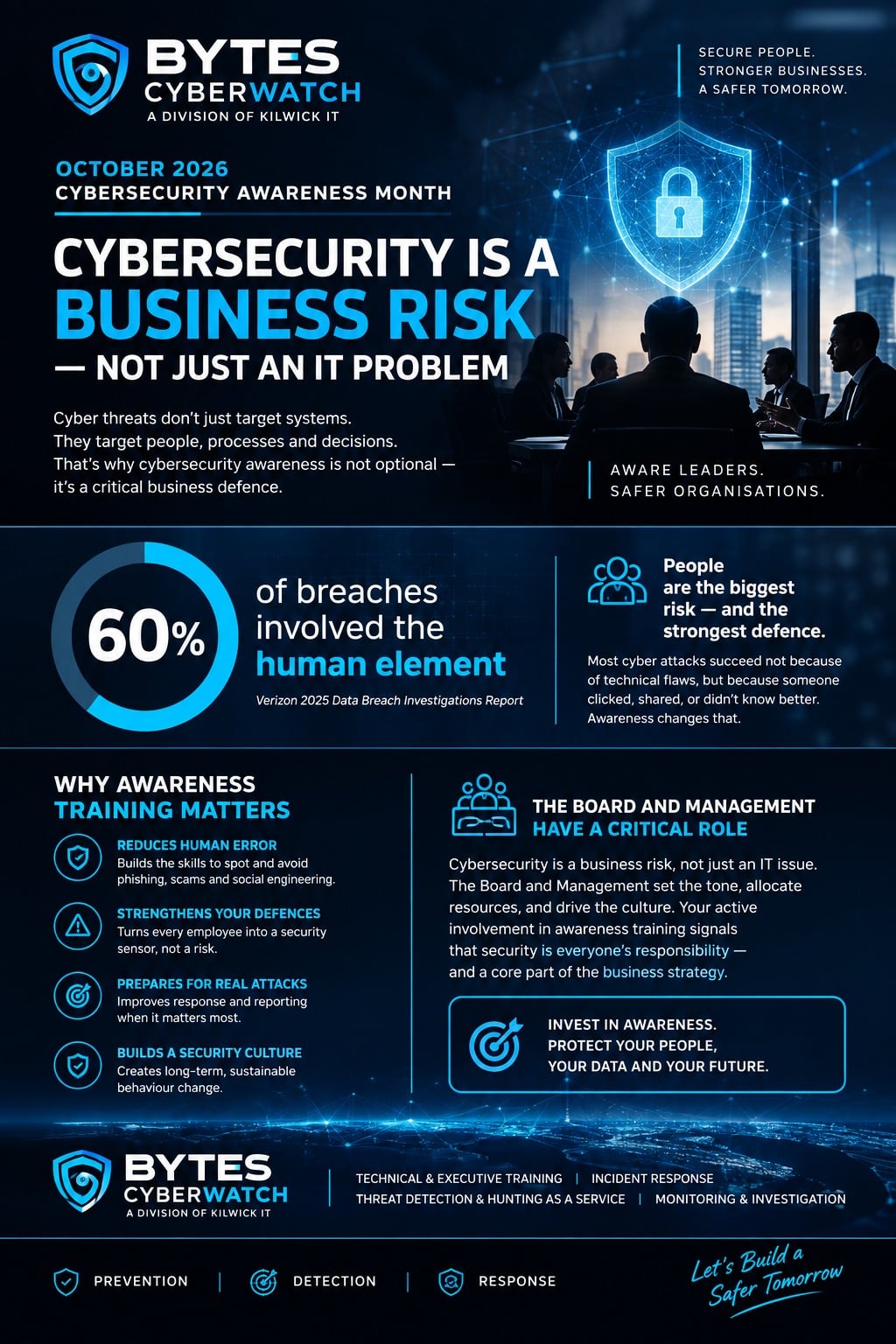
5. Increased security risk. Cybersecurity threats constantly evolve. When systems are not monitored and updated regularly, vulnerabilities accumulate. Reactive security means responding after an attack or breach instead of preventing it. The financial and reputational damage from security incidents can far exceed the cost of ongoing protection.
The Advantage of Proactive IT Support
Managed IT services focus on prevention rather than reaction.
Instead of waiting for systems to fail, proactive IT providers monitor infrastructure, apply updates, maintain backups, and identify issues before they disrupt operations. This approach delivers several key advantages:
- Predictable monthly costs
- Reduced downtime
- Faster technical support
- Stronger cybersecurity protection
- Access to a broader range of technical expertise. Businesses effectively gain a full IT department without the overhead of hiring and managing one internally.
Technology Should Support Growth!
Technology should enable productivity, not slow it down. When IT is managed proactively, systems run more smoothly, employees spend less time troubleshooting issues, and leadership can focus on growth instead of technical emergencies. For many businesses, the real question is not whether they can afford managed IT services. It is whether they can afford to keep operating without them.
Kilwick IT #KilwickIT
Mission Critical Support
+263 29 288 9643/5
+263 712 605 907 (Call Only)
+263 867 721 1852 (VoIP)
+263 71 220 3175 (WhatsApp only)
info@kilwickit.com
Please follow us on facebook: www.facebook.com/compuprozim